How different labs could use it

These are example scenarios with fictional labs. They show how RPH fits different groups, not results from real customers.

Example scenario

A PhD lab with several papers in progress

One professor, six doctoral students and a postdoc

The situation

Each student has two or three papers moving at once. Meetings are spent working out what has changed since last week, and revision deadlines are easy to miss.

How they use RPH

Each paper becomes a research item with its stage and deadline. Students update the items they worked on before a recurring meeting slot, and the professor goes through them one at a time.

What this changes

The meeting starts with what changed. Reviewer comments, next steps and deadlines stay on the paper's own record. If a paper is rejected, its history goes with it to the next journal, and publications the professor has approved are ready for the annual report.
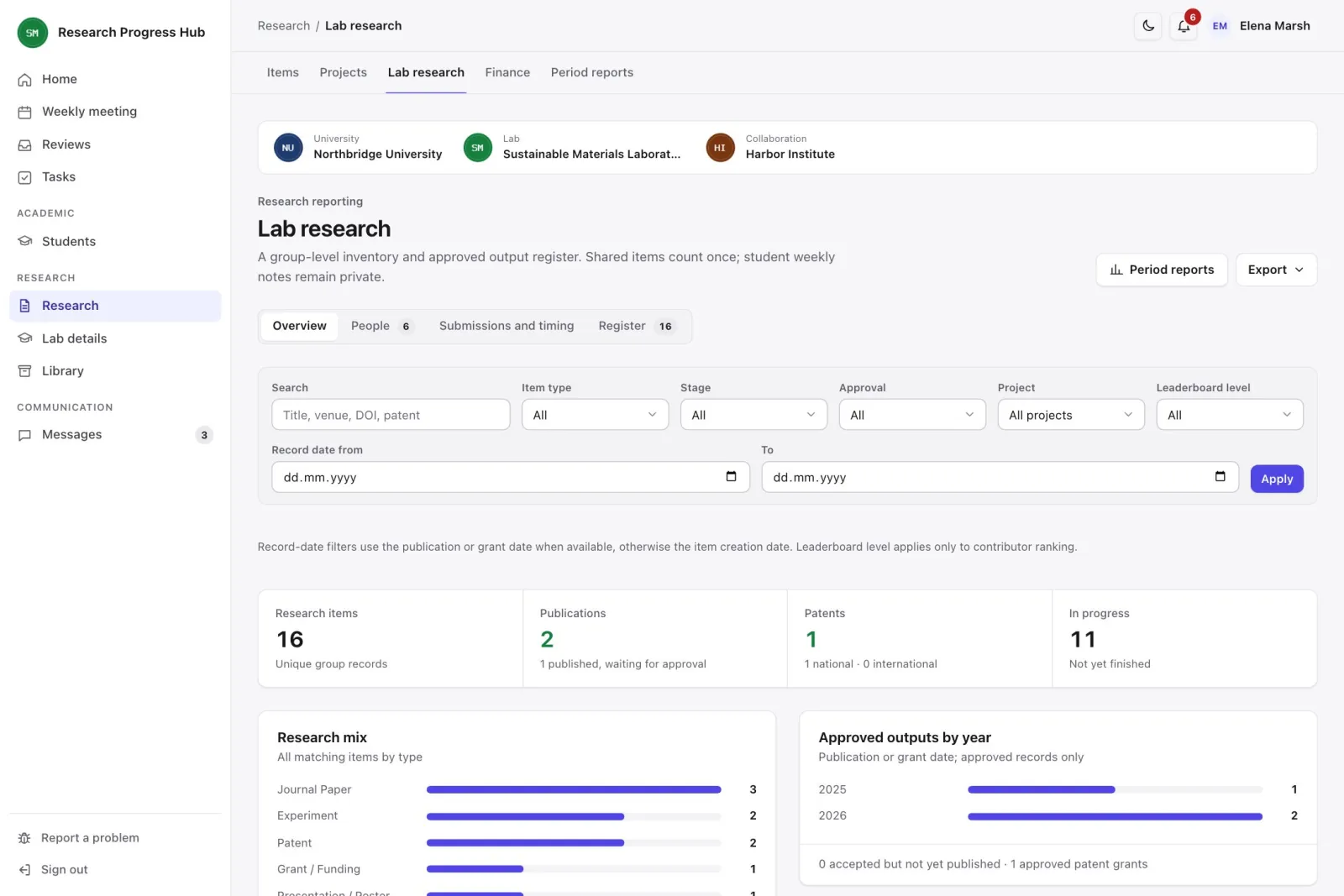
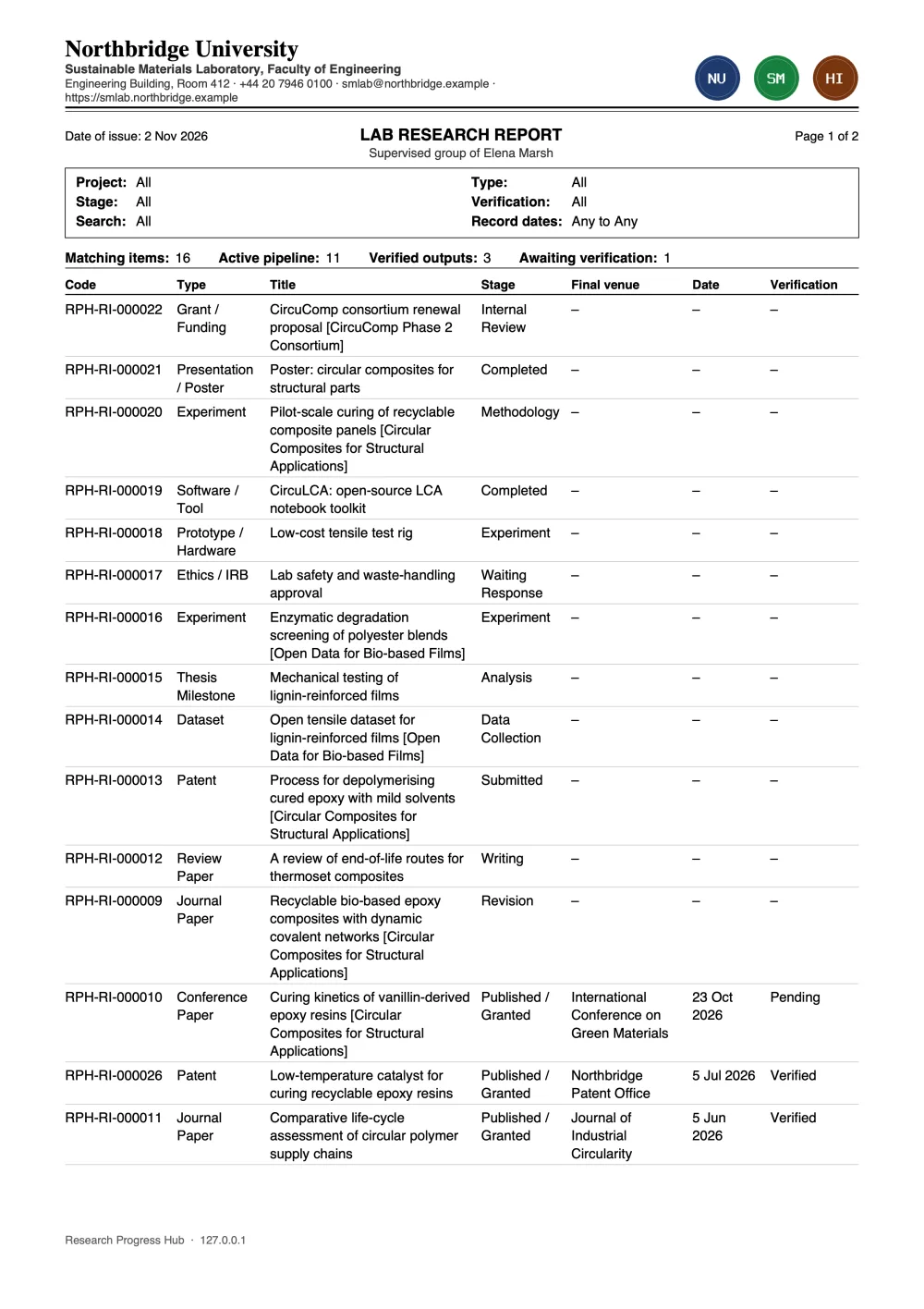
RPH lab research view with filters, totals and verified outputs by year
The lab register. Sample data.

Example scenario

A mixed group of MSc and BSc students

One professor, eight students on shorter projects

The situation

Students join and leave every year, and many are new to research. Tracking who is stuck, and what a past student did, depends on the professor's memory.

How they use RPH

Students are given a simple weekly routine and clear tasks. Each one has a journey with semesters, courses and graduation requirements.

What this changes

Blocked students stand out on the professor's home page before the meeting. When a student leaves, their work and history stay in the system for whoever continues it.

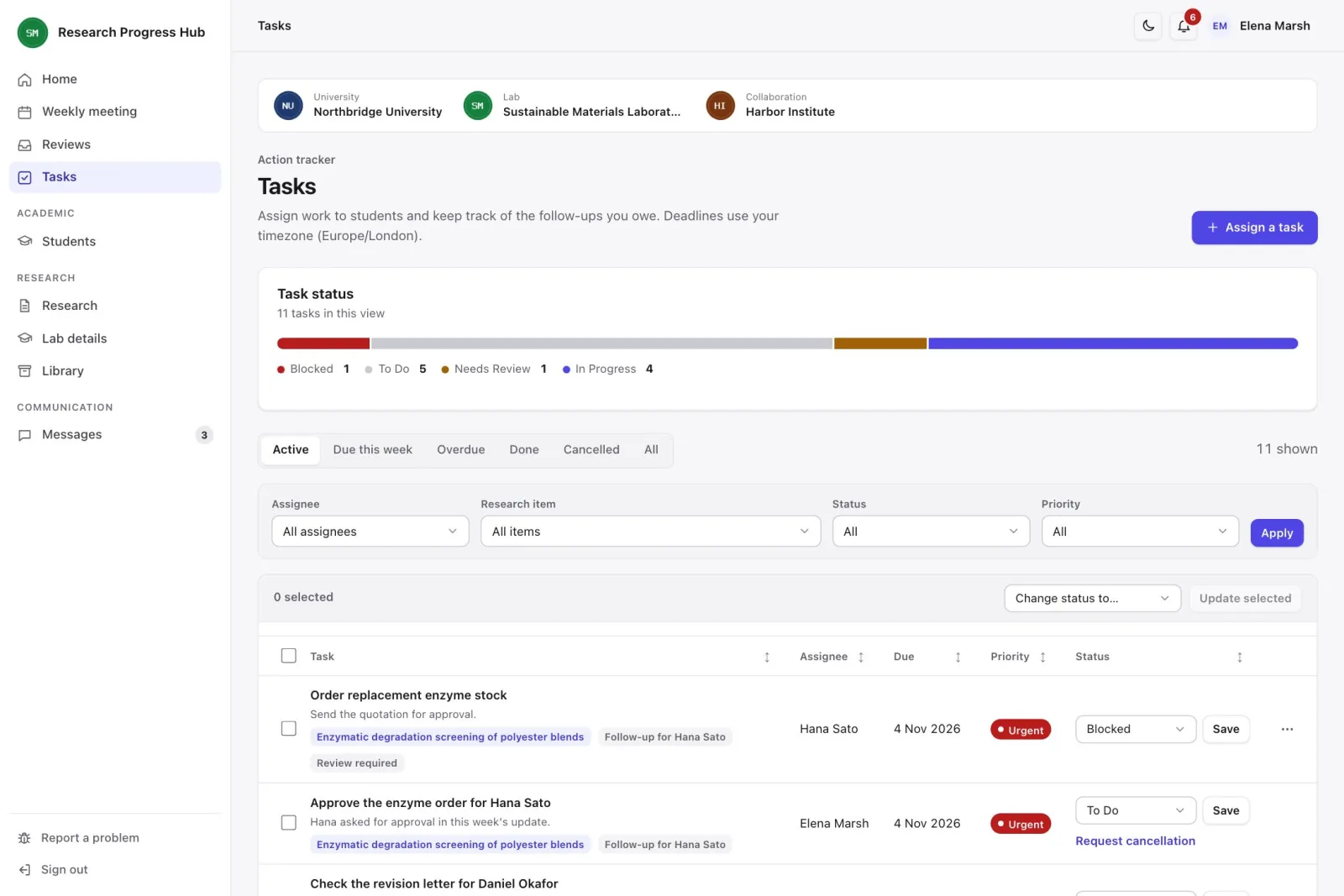
RPH task list with owners, due dates, priorities and status
Follow-up tasks with an owner and a date. Sample data.

Example scenario

A department preparing its research report

Six labs reporting to one head of department

The situation

Each lab tracks outputs its own way. Once a year, someone asks every lab for a list, then checks and combines them by hand.

How they use RPH

All labs record outputs and projects in the same format, and professors approve published work as it finishes. A paper shared between two labs counts once in each. University details and logos are set once.

What this changes

Each lab can export a report under the same university header at any time, and analytics compare activity across labs without opening private weekly notes.

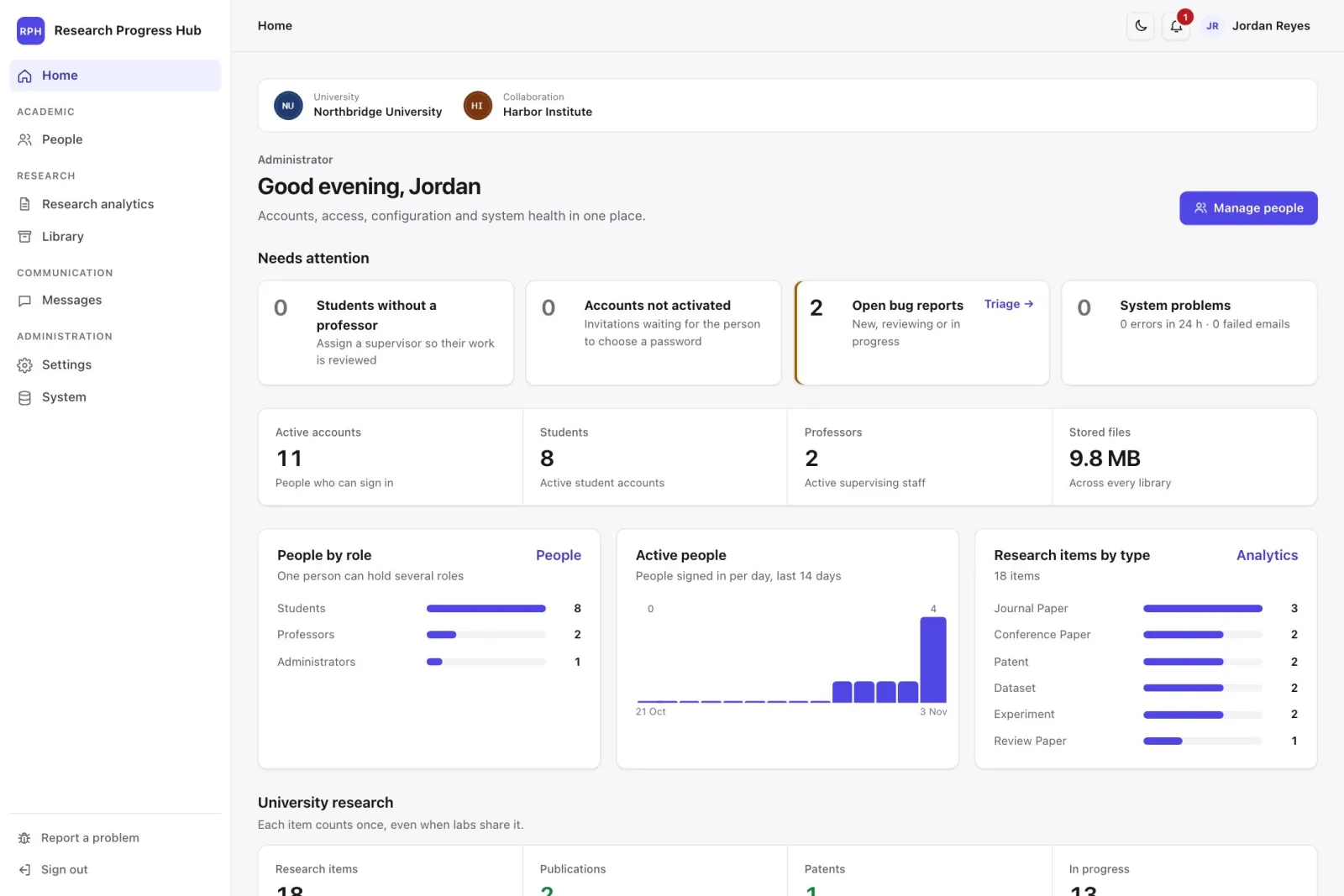
RPH administrator home page with accounts, system health and settings
The administrator's home page. Sample data.

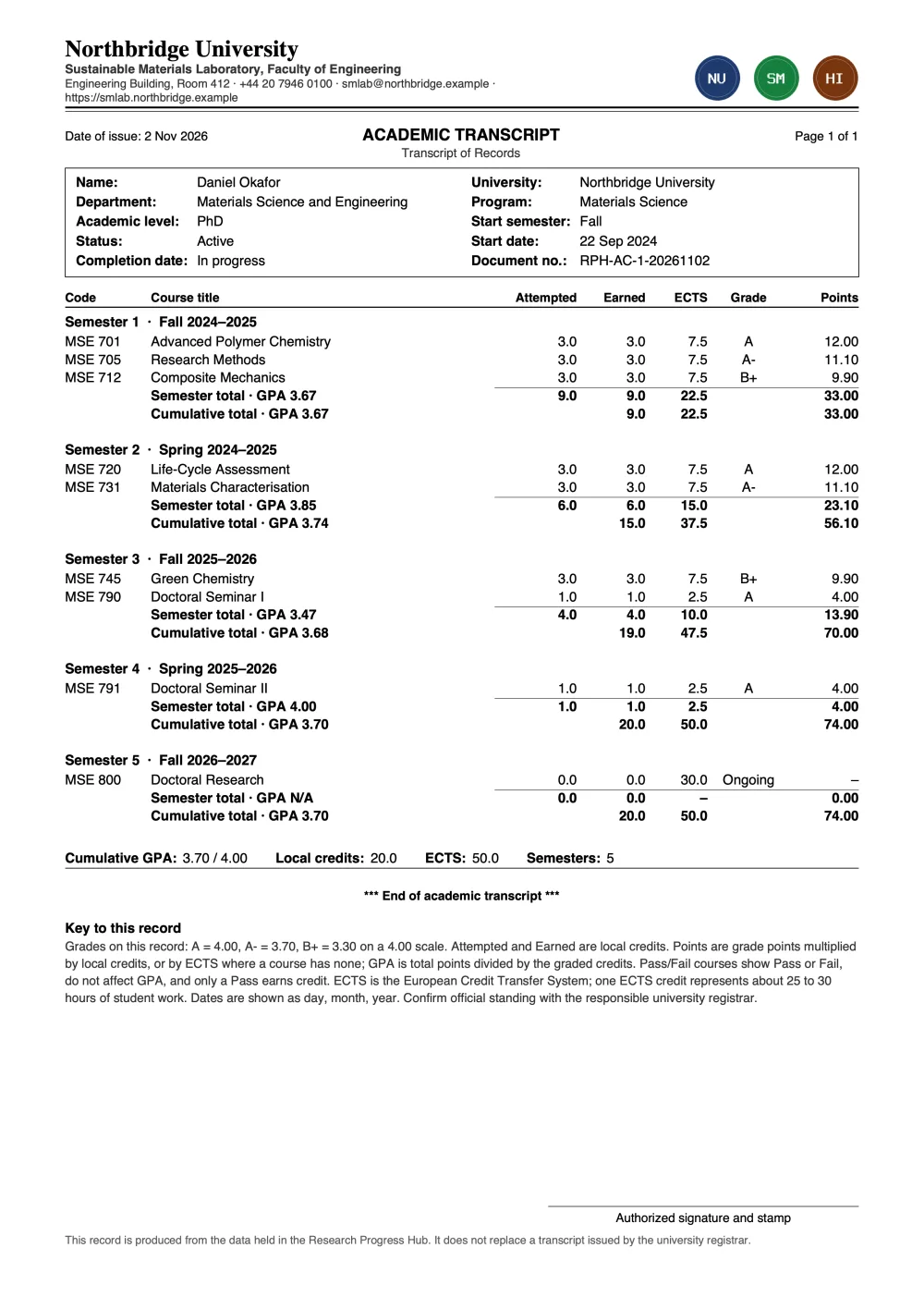
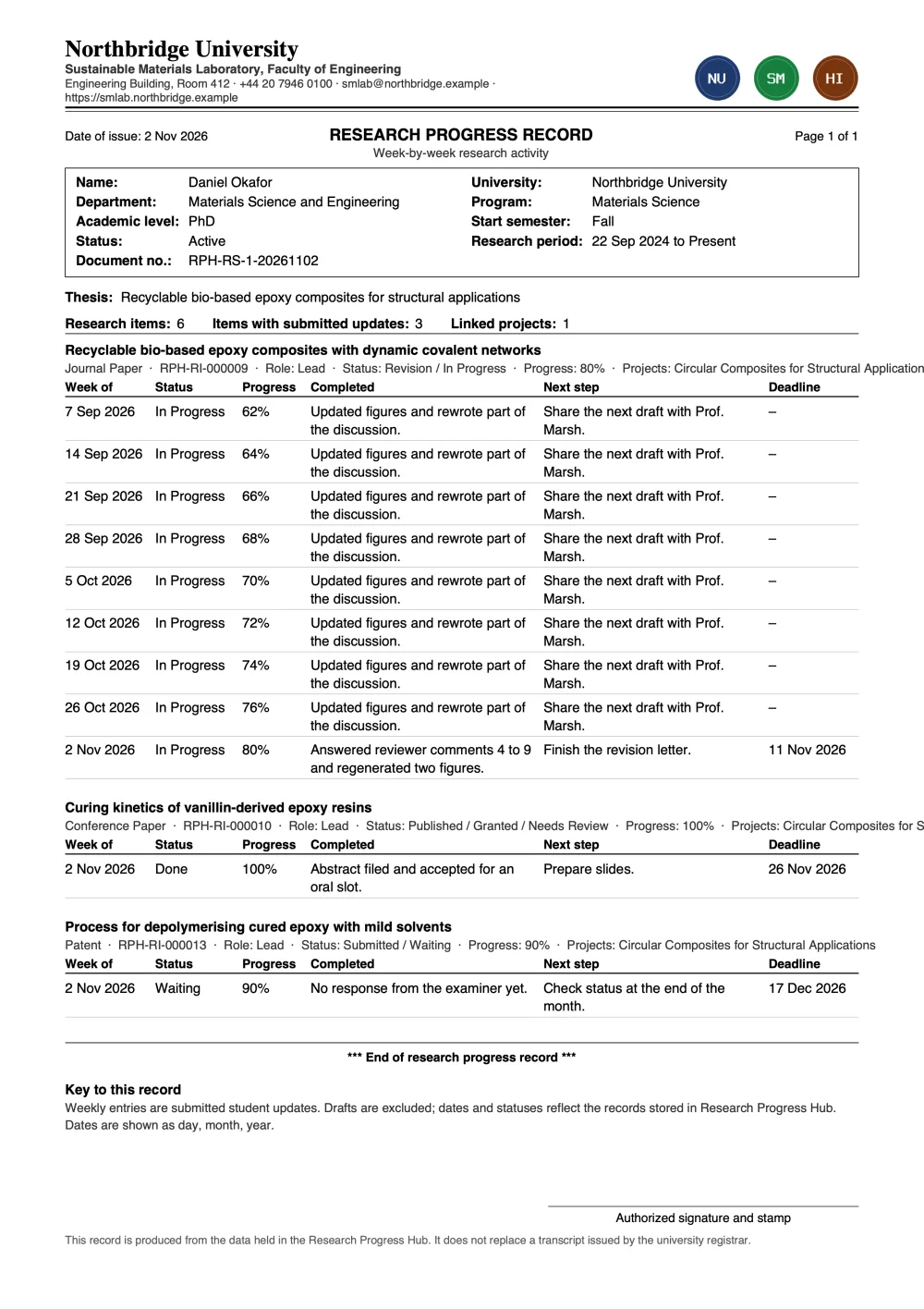
Sample documents

Real exports from RPH, using fictional people and a fictional university.

See your lab's week in RPH.

We'll walk you through it with sample data and answer your questions about setting it up.

Request a demo